NotebookLM, Google’s AI research tool that is currently being widely discussed, now offers many features that provide real and sometimes surprising added value.
This article describes how NotebookLM enables users to upload sources (e.g., PDFs, YouTube videos, etc.) and research the content of these sources.
Newly, various outputs can be generated:
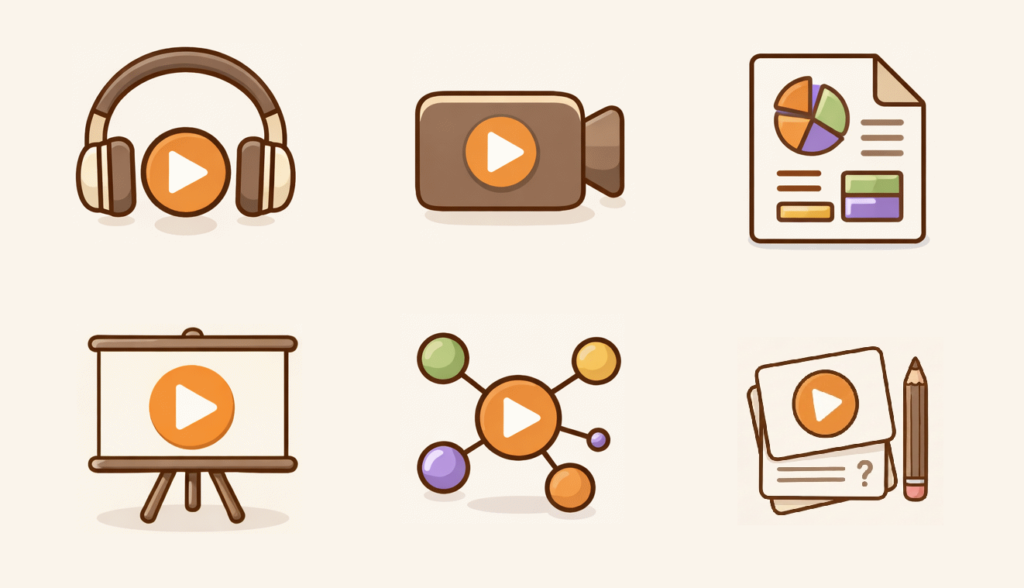
- MindMap
- Infographics
- Audio summary
- Video summary
- Slide deck
- Flashcards
- Quiz
- Reports (with many useful templates)
I illustrate concrete examples of the features.
At the end of the article, I give my personal assessment of the features.
How does NotebookLM work?
Uploading sources
When creating a new notebook, you upload so-called sources into your notebook.
Allowed types of sources:
- PDF, Word, text, Markdown
- Google Docs, Slides, Sheets
- Images, audio files
- Websites, YouTube links
Interactions with sources
All interactions with a notebook occur in the context of the uploaded sources.
NotebookLM focuses only on this content and generally does not answer questions that are not contained in the sources.
Is NotebookLM free?
Yes, it’s free.
But a Google account (e.g., Gmail) is required to sign in.
You can also upgrade to the paid Pro Version, see Google AI Pro.
When is NotebookLM useful?
Especially when you have a lot of information and want to get an overview and quickly understand certain details.
Examples
I am currently interested in the topic of “Requirements Management” and have uploaded the “Requirements Management – Syllabus (PDF)” to NotebookLM:
Source: IREB Download Center.
Danach habe ich folgende Artefakte erstellt:
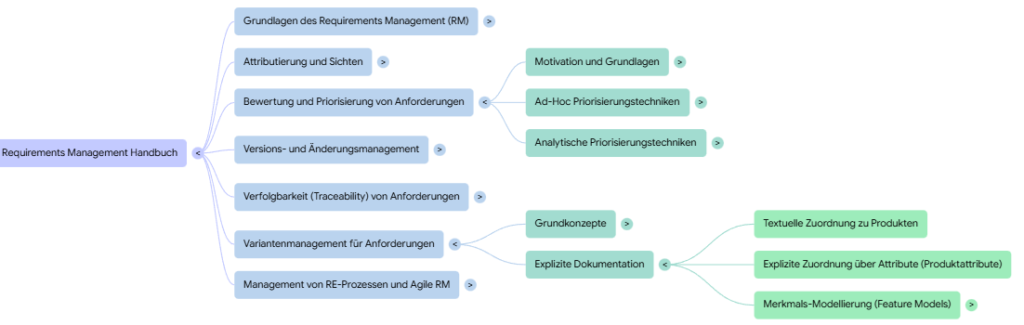
MindMap

Here, a mind map is created across all sources:
Infographics
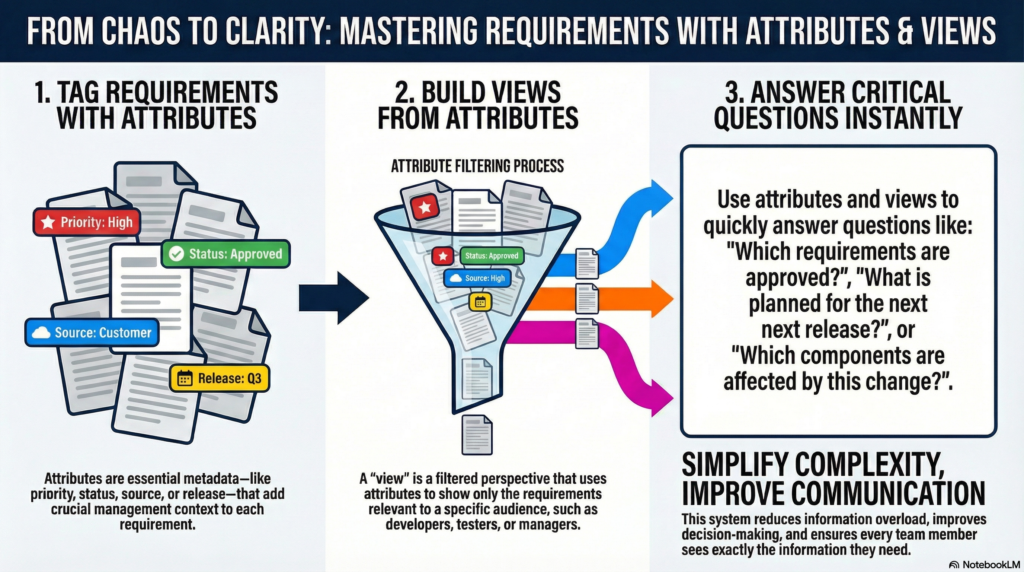
Infographics can be created for a specific topic.
Here is one on the topic “Mastering requirements with attributes and views”:
Slides

Here is an example on the topic “Mastering the Requirements Landscape”:
Audio summary

Here is a short snippet on the topic “Requirements attributes and views”:
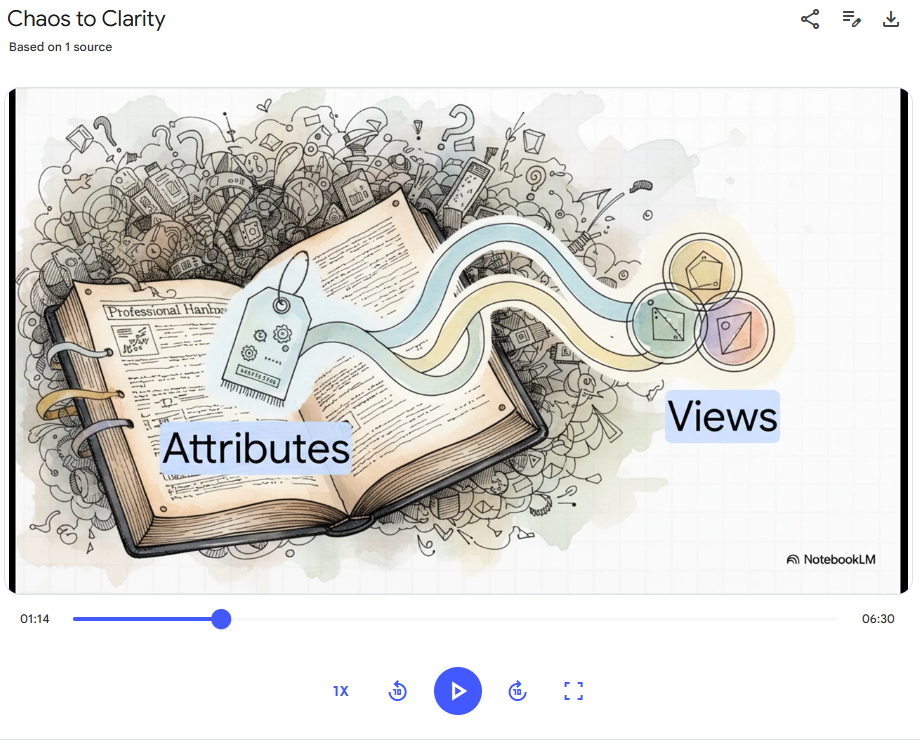
Video summary

Flashcards and Quizzes

Flashcards
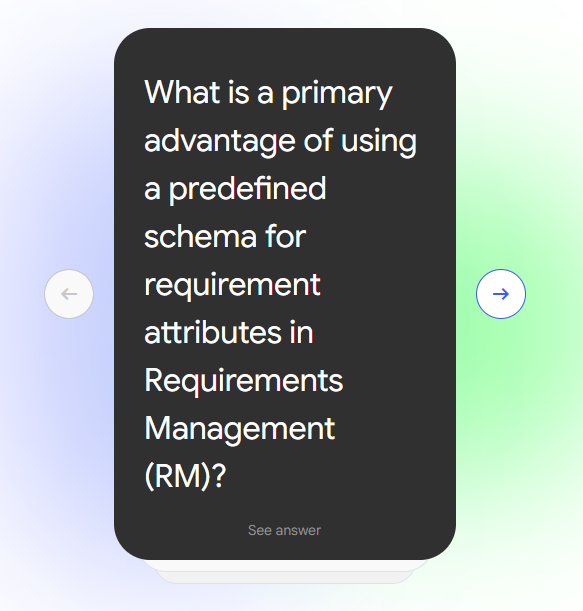
With one click you can show the answer or switch between cards.
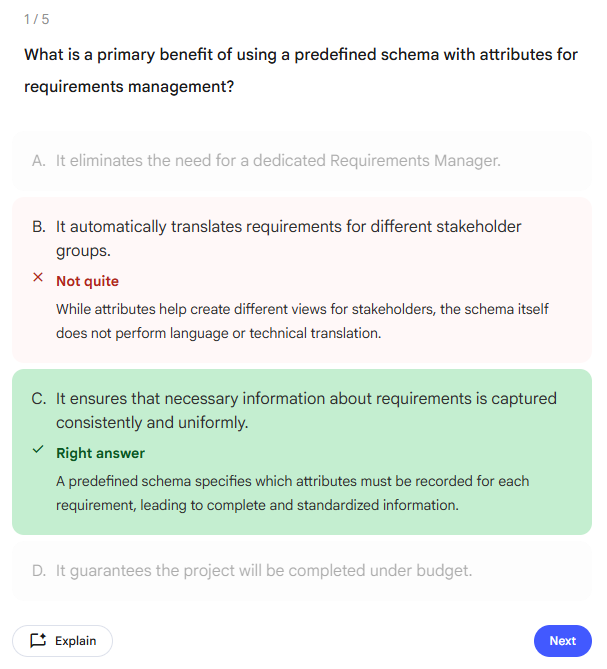
Quiz
Reports
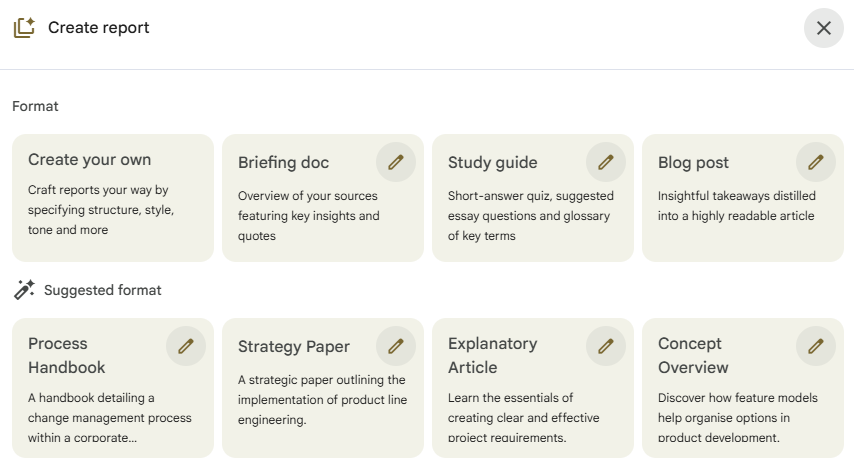
After selecting a report, a text-based report is generated:
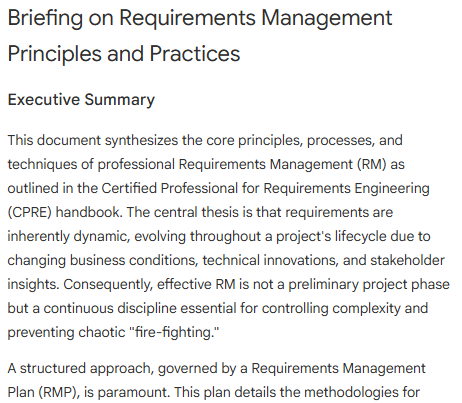
My Conclusion
I generally like the idea of NotebookLM very much, because I am always looking for ways to present complex information in an understandable way. A big advantage is the focus on a defined context (no hallucinations).
Here are some thoughts on the different features:
| Feature | Value | Thoughts |
|---|---|---|
| MindMap | ⭐⭐⭐ | ✅ I love mind maps. These maps are interactive and clearly structured 🚫 Unfortunately, you can only create one mind map across the entire source and not for a specific question 🚫 The mind maps cannot be shared 🚫 An export only creates an image, which loses the interactive aspect |
| Infographics | ⭐⭐ | ✅ Good for recognizing connections visually ✅ Can be created for a specific question. ✅ Level of detail can be adjusted 🚫 Quality varies a lot 🚫 Graphics are often overloaded 🚫 Once created, they cannot be adjusted with a prompt |
| Audio summary | ⭐⭐⭐⭐ | ✅ Desired topic and format can be specified ✅ Length (short, normal) can be defined ✅ Two people interact on a topic, making listening exciting ✅ Very practical for deepening a topic on the go 🚫 The end of the summary isn’t always clean, sometimes it feels like more is coming but the audio was “stopped” 🚫 Cannot be shared via link |
| Video summary | ⭐⭐ | ✅ Includes visualization and audio simultaneously 🚫 Some slides are overloaded and shown only briefly |
| Slide deck | ⭐⭐ | ✅ Creates visual content spread over various slides. Complementarily useful but not a central feature. 🚫 The flow between slides is not always clear 🚫 Slides partially overloaded 🚫 Slides can only be downloaded as PDF, and their contents cannot be reused elsewhere (e.g., PowerPoint) |
| Flashcards | ⭐⭐ | ✅ Topic can be specified exactly ✅ Settings for number of cards and difficulty possible 🚫 Cards cannot be edited 🚫 Relevance of questions is sometimes questionable |
| Quiz | ⭐⭐ | ✅ Similar principle to flashcards but more interactive and informative |
| Asking questions | ⭐⭐⭐⭐ | ✅ Questions about specific topics can be posed via text prompt and are answered in detail with clickable source citations |
| General | ✅ NotebookLM refers only to the uploaded content, which is a big advantage (no hallucinations) ✅ The output language can be changed at any time 🚫 In the free version it seems that only a limited number of outputs can be generated. When the limit is reached and a new output is generated, another is deleted. 🚫 Some content can be shared, but this only works if the recipient also has a Google account — and sometimes sharing still doesn’t work |